
Baxelo Player
Your TV line.
Every screen.
A free player for Android phones, Android TV, Google TV and Fire TV. Bring the line you already have with your provider and enjoy it the way it should look.
Free. No account with us needed. · Latest version
Built for the panels you already use.
Baxelo Player has its own playback engine, tuned for XUI ONE panels and the Xtream Codes API. It handles HLS and MPEG-TS, reconnects by itself when the signal drops, switches channels fast and lets you pick the picture format.
- Automatic reconnection
- Fast channel switching
- HLS and MPEG-TS
- Picture format menu
Live TV guide
Three guides.
Pick your favourite.
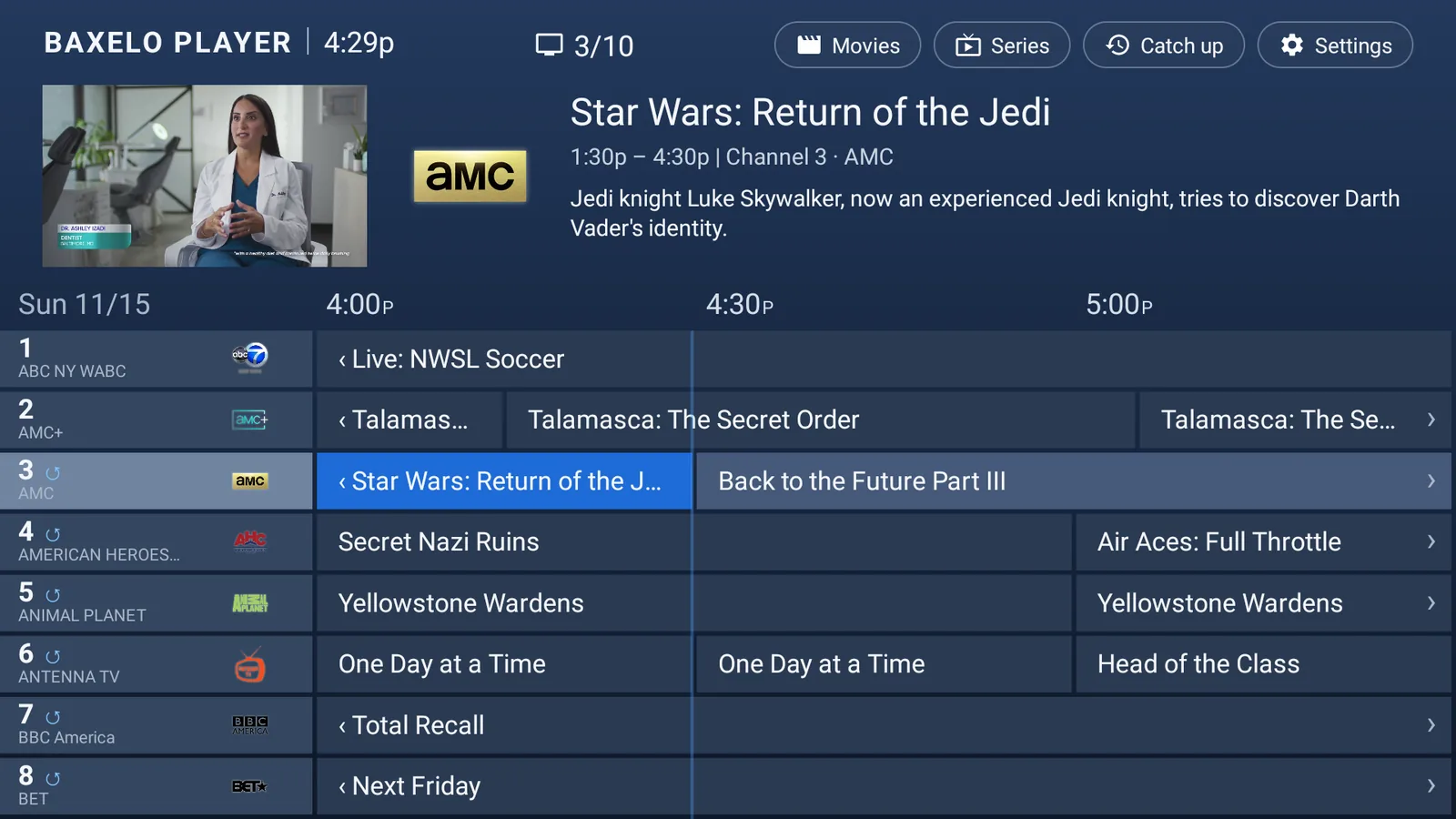
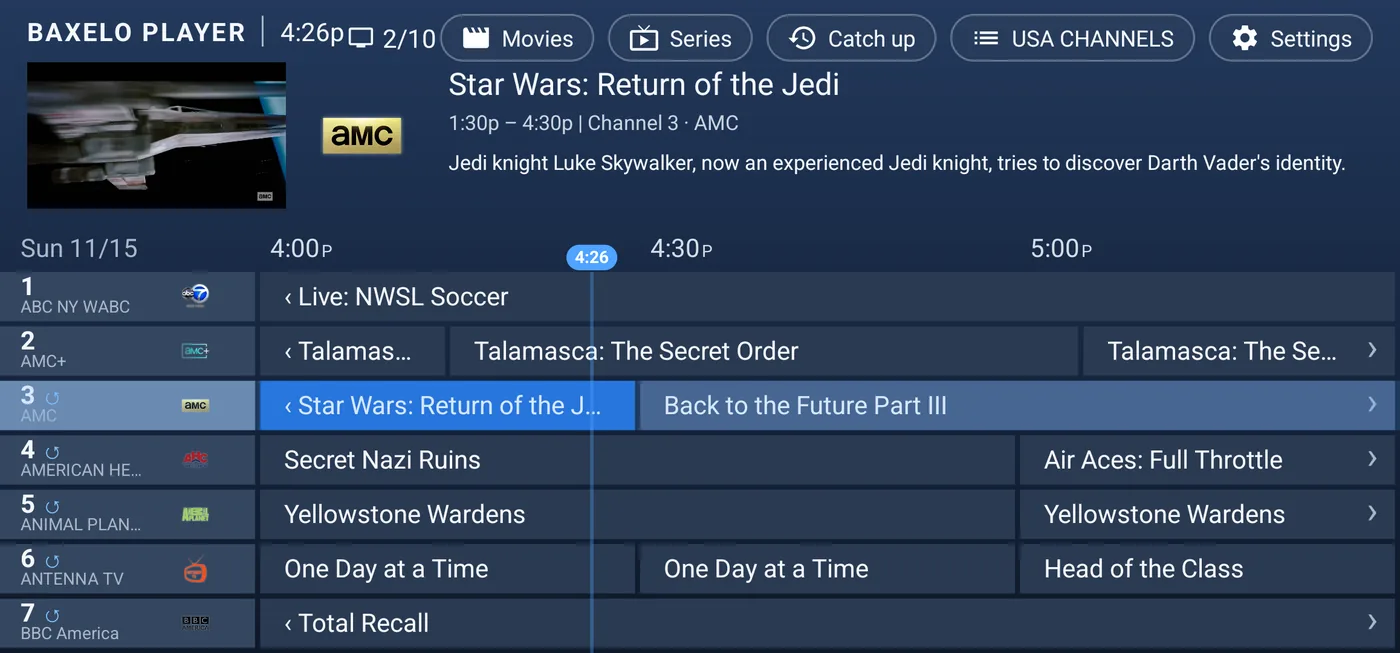
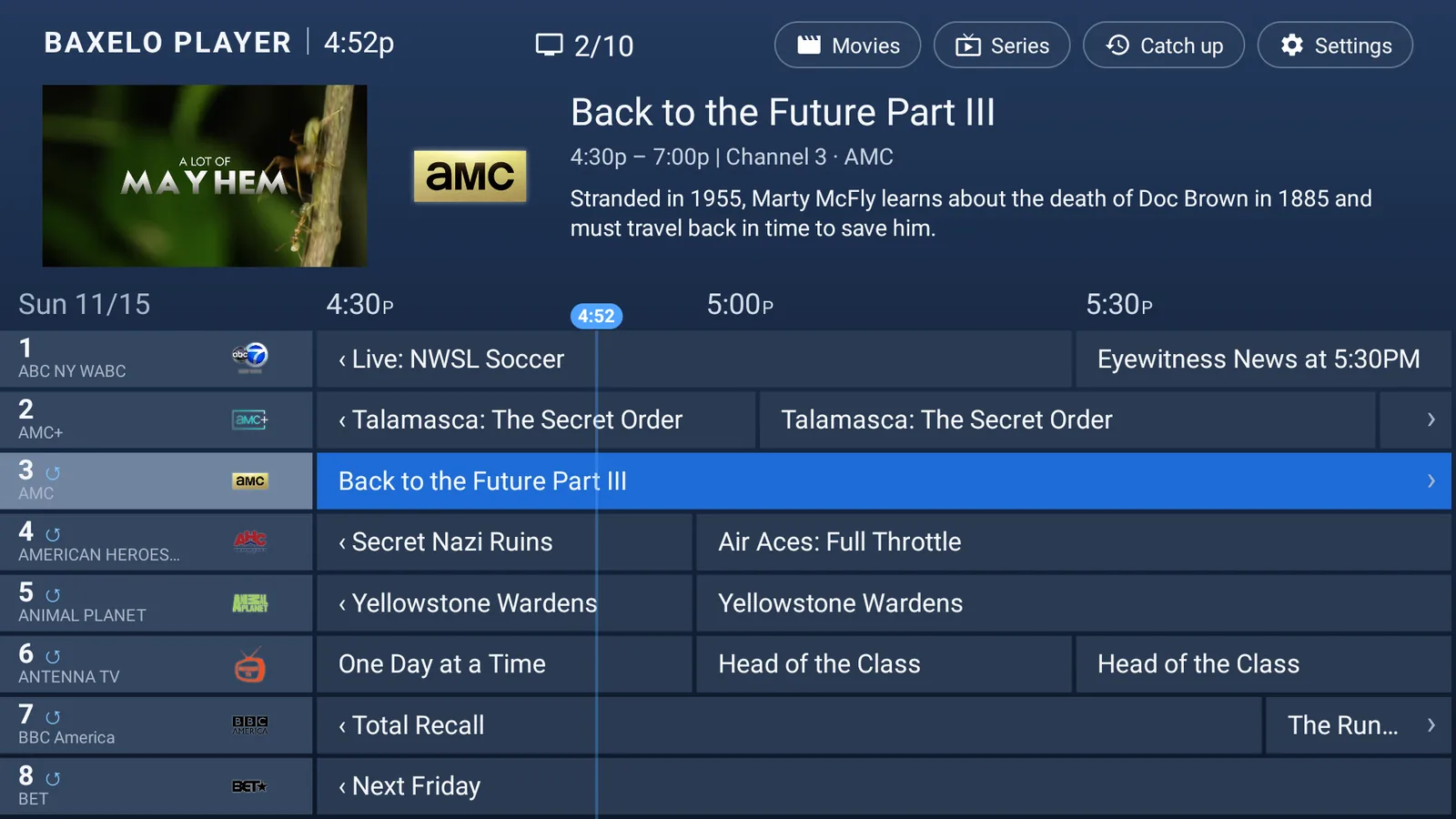
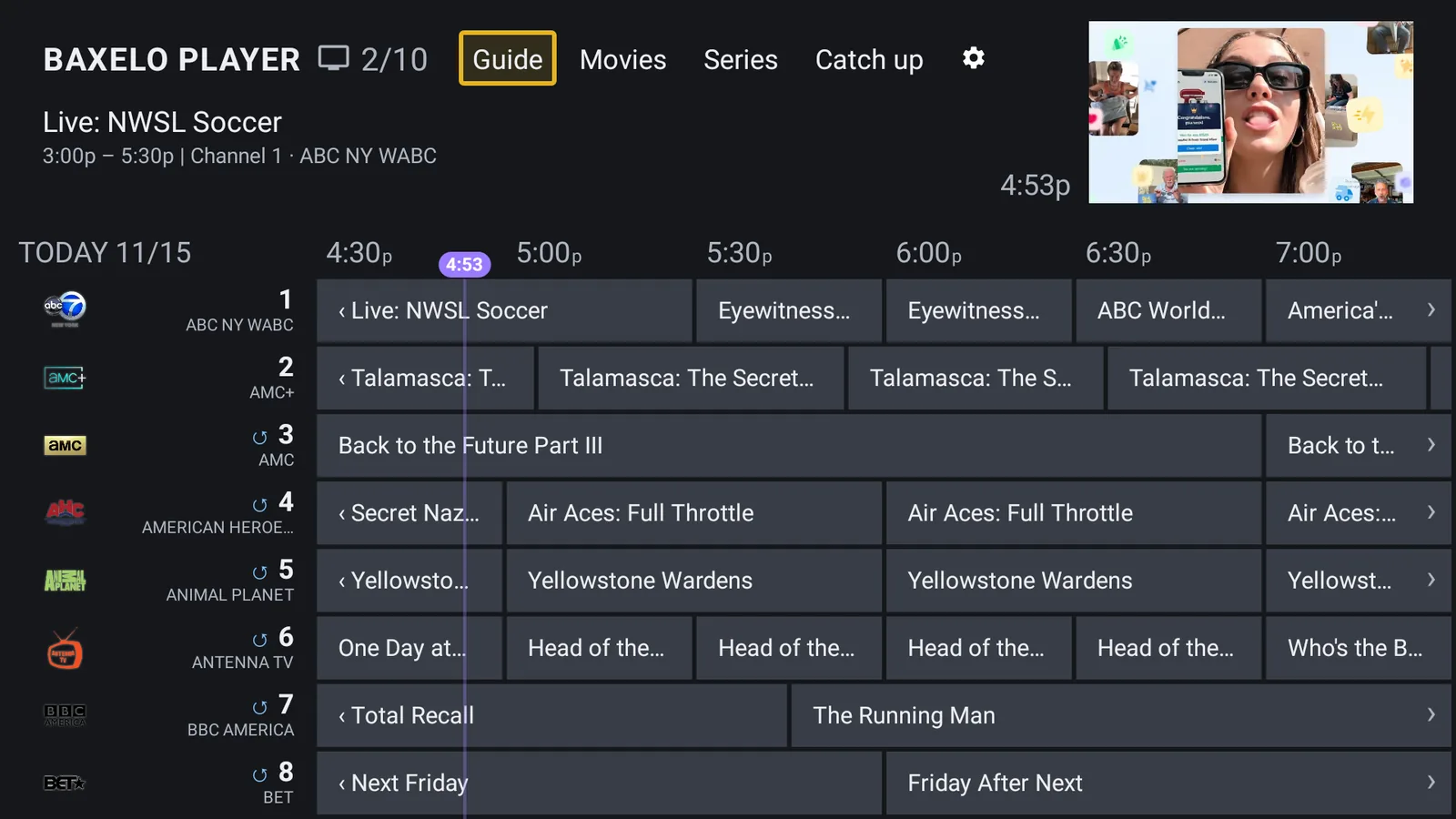
Satellite, Cable or STB. Every style shows the channel logos with what is on now and what comes next, so you always know what to watch.
Satellite
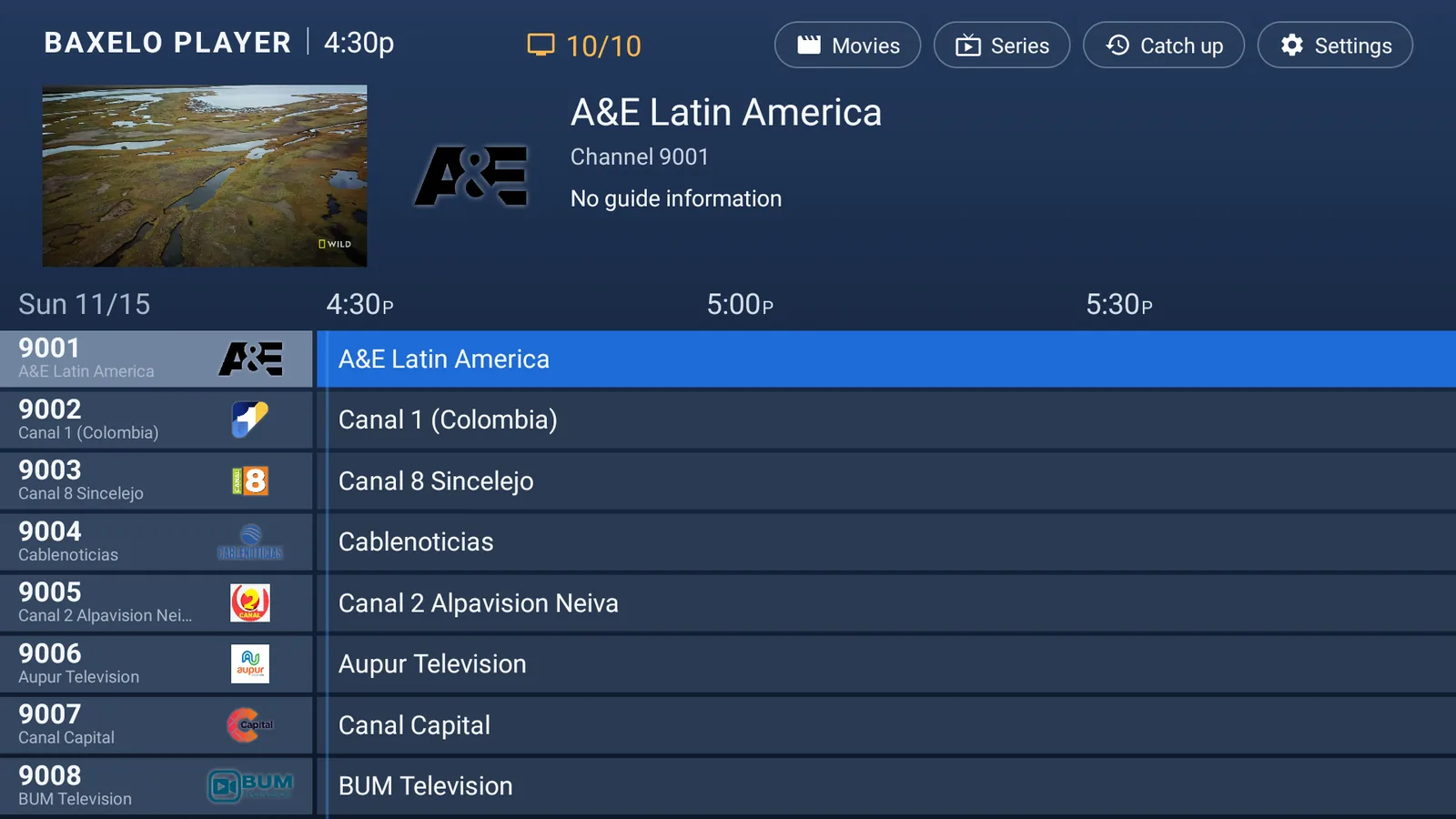
A preview of the channel and the programme description up top, over the classic blue grid.
Cable
Tabs along the top and a wide, dark grid with the logos on the left: more channels at a glance.
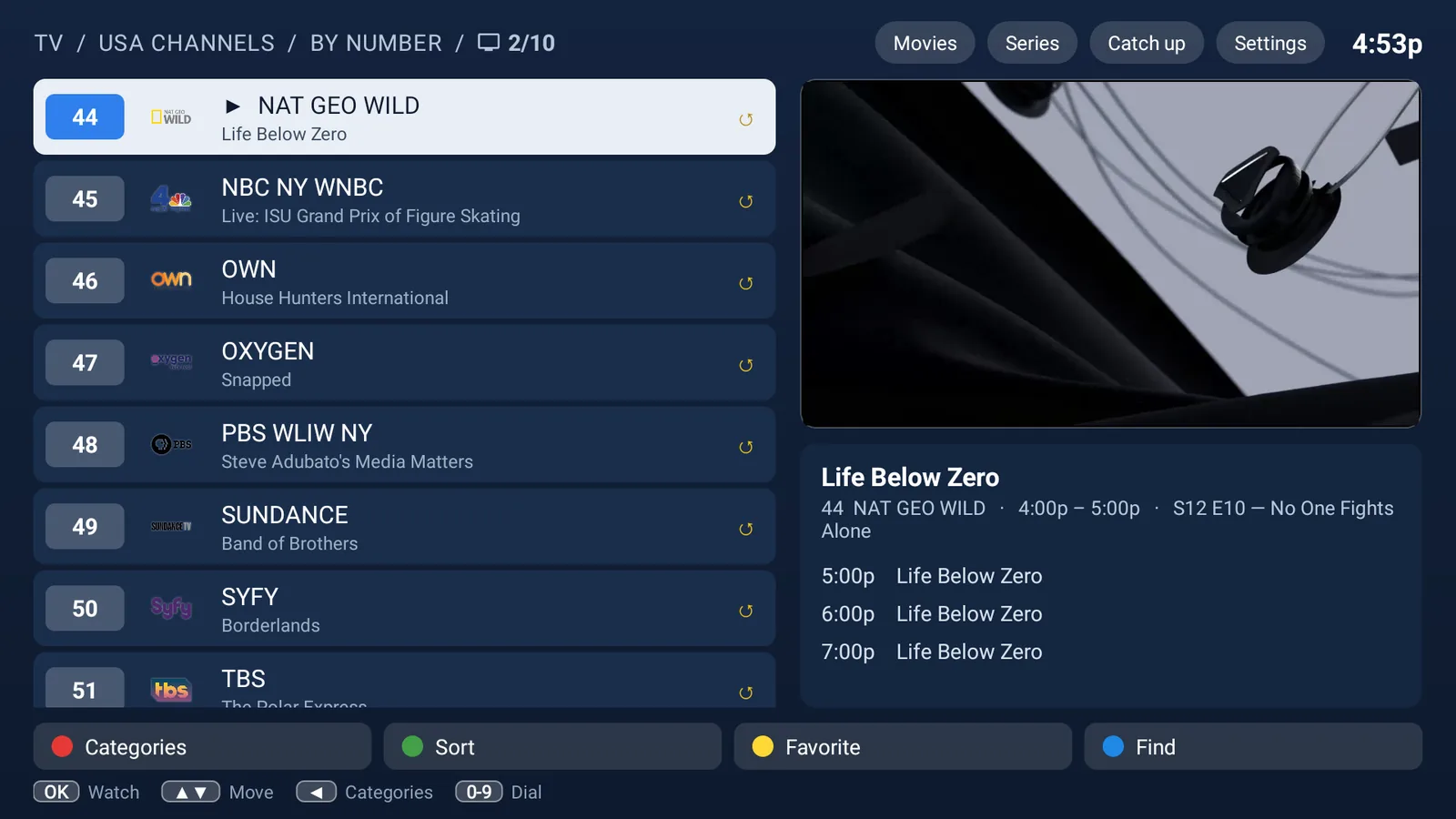
STB
The channel list on the left, the preview and what is up next on the right, and coloured buttons below.
Scroll to see each style
Catch up
Missed it?
Go back in time.
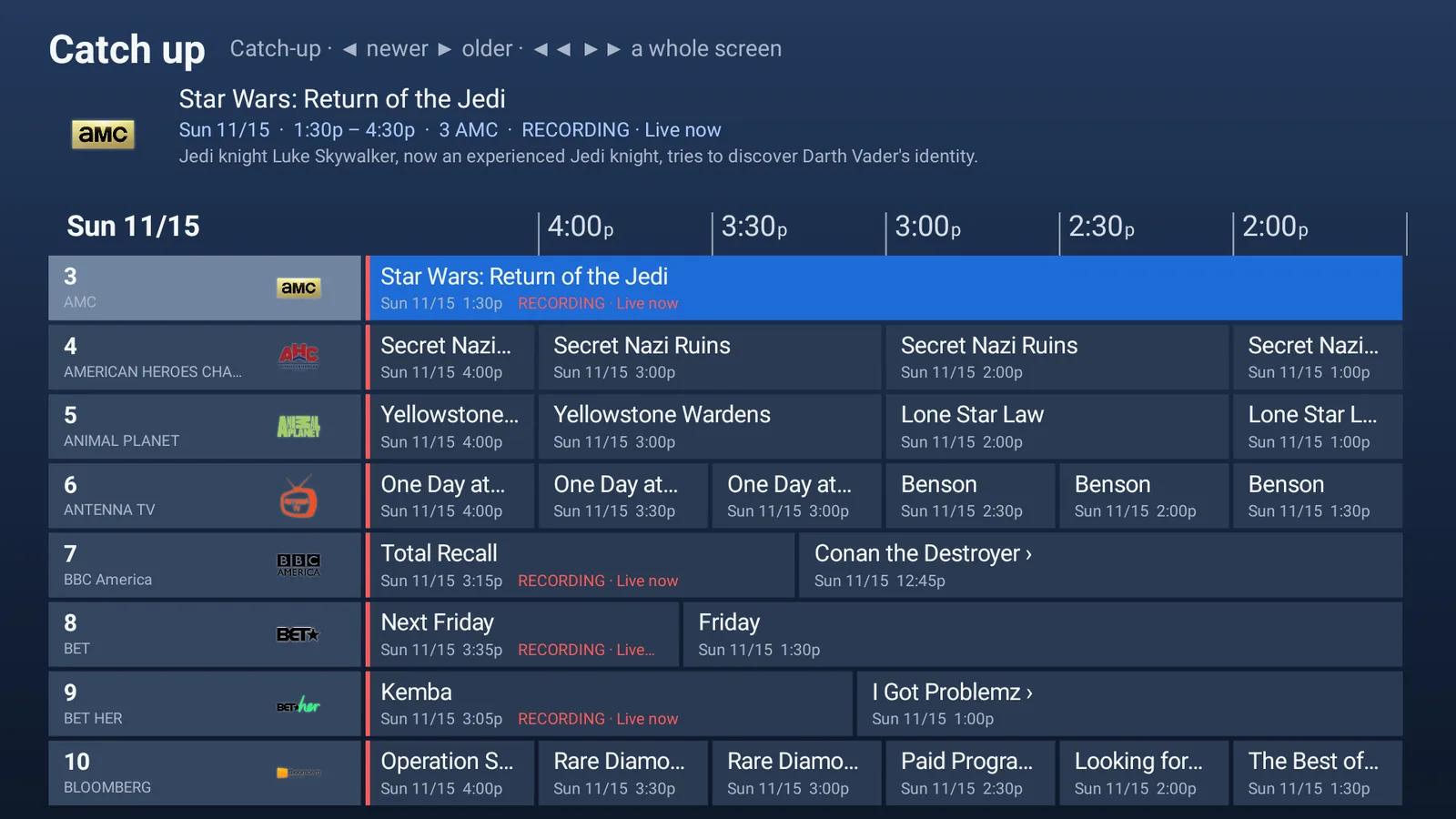
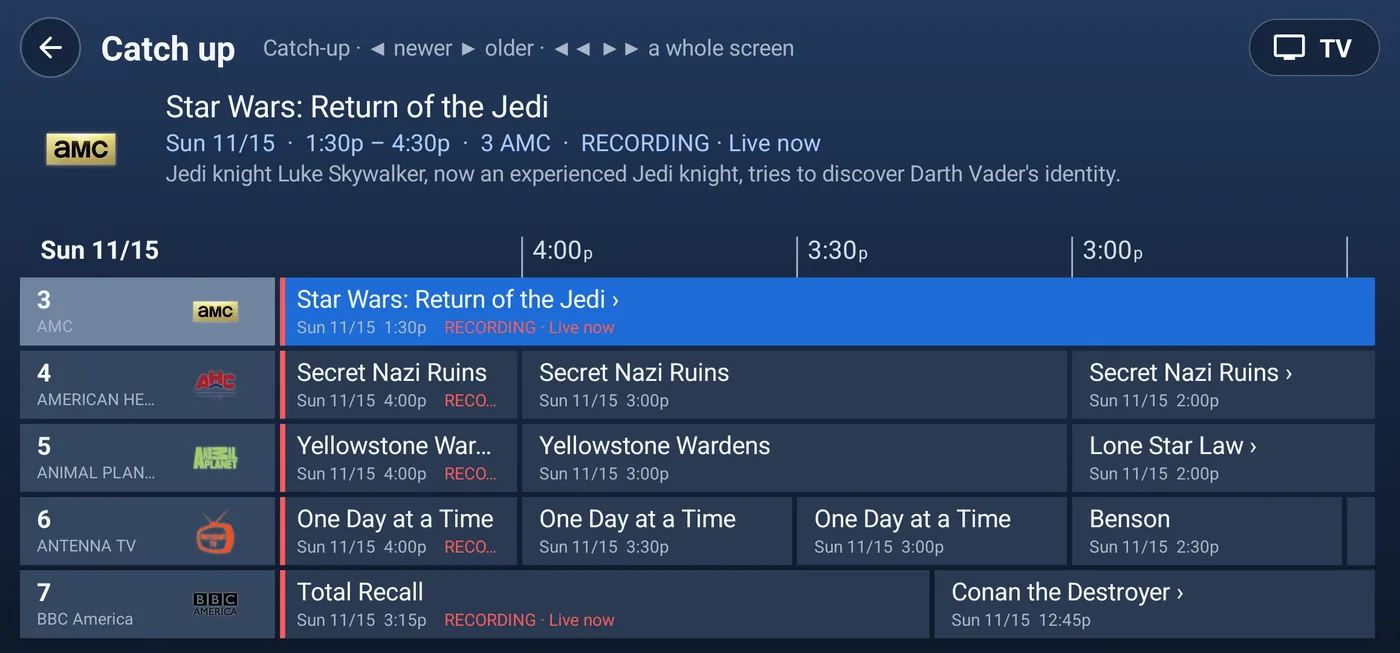
Watch programmes that already aired, for as long as your provider keeps them. A grid by hours and days shows everything at a glance and marks what is being recorded live.
Movies & Series
The streaming experience you expect.
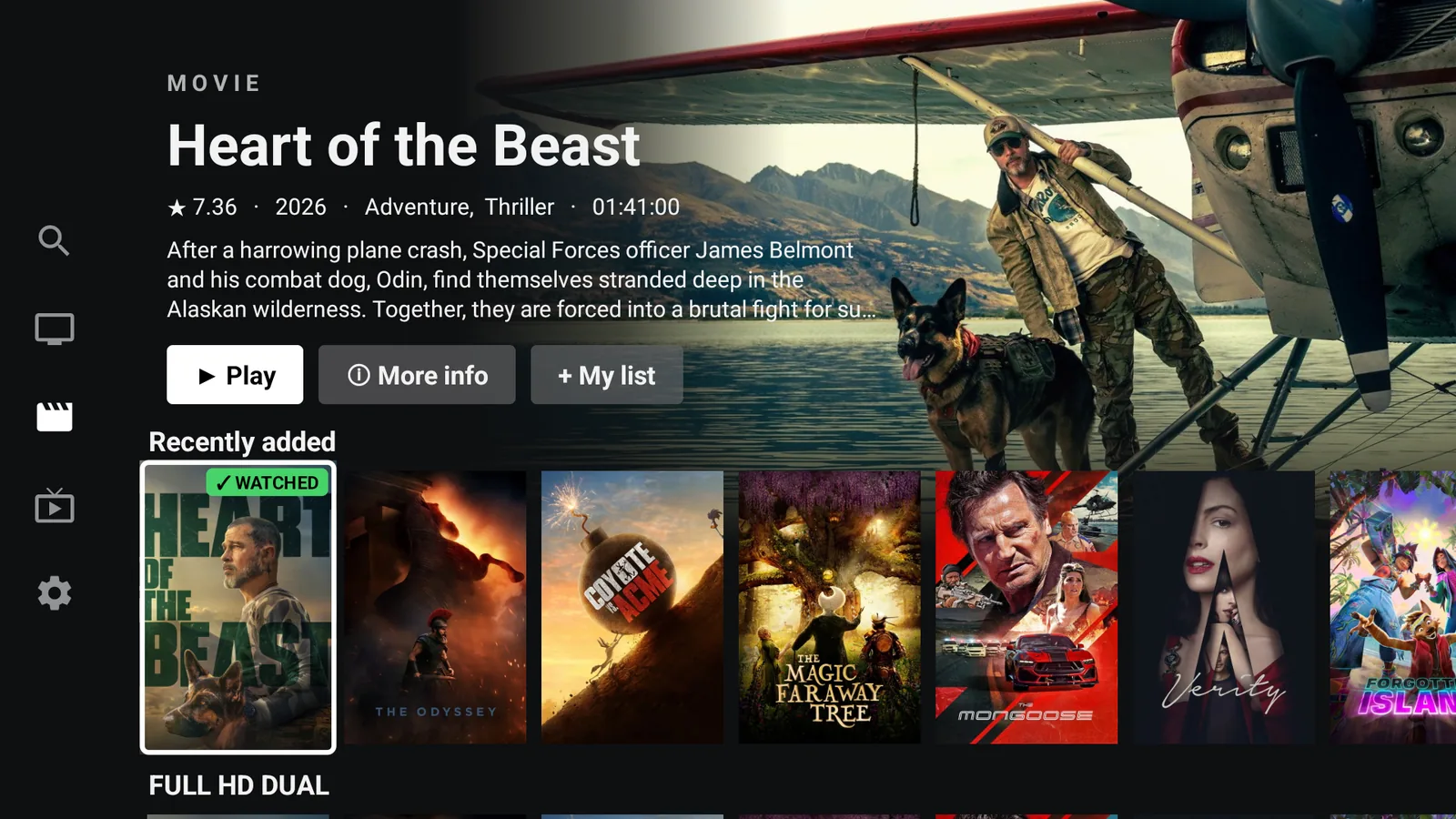
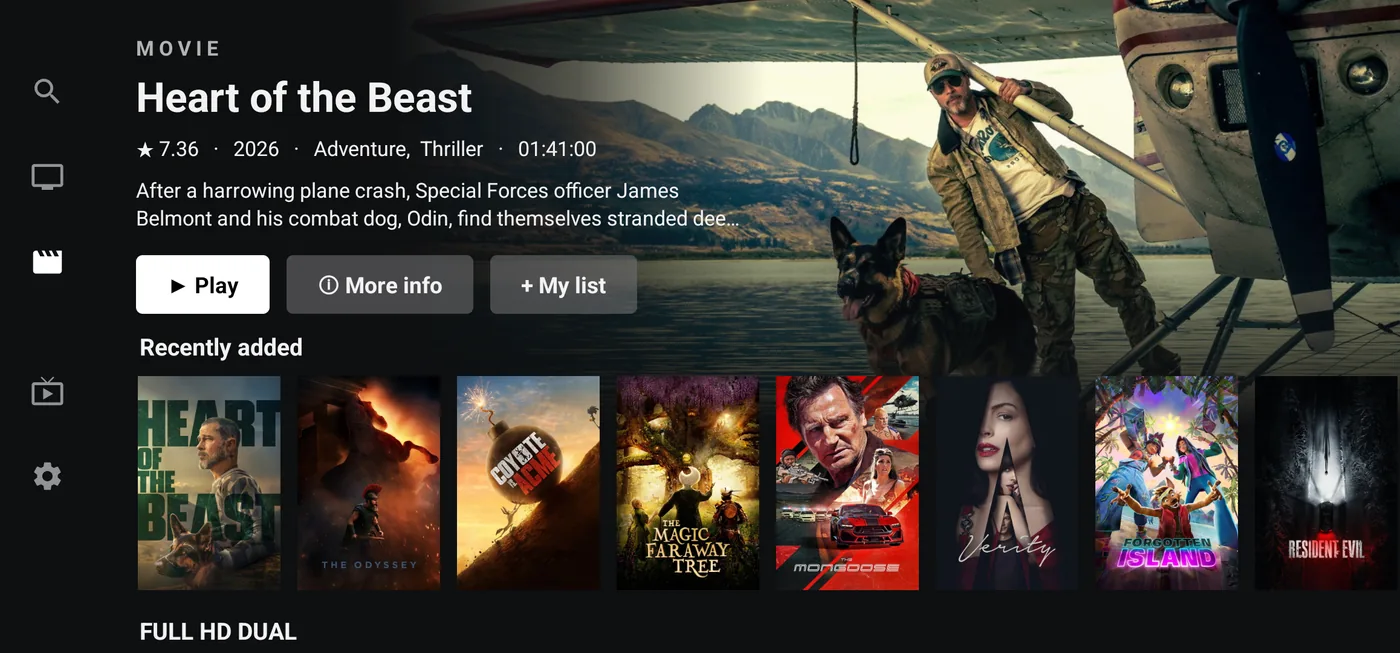
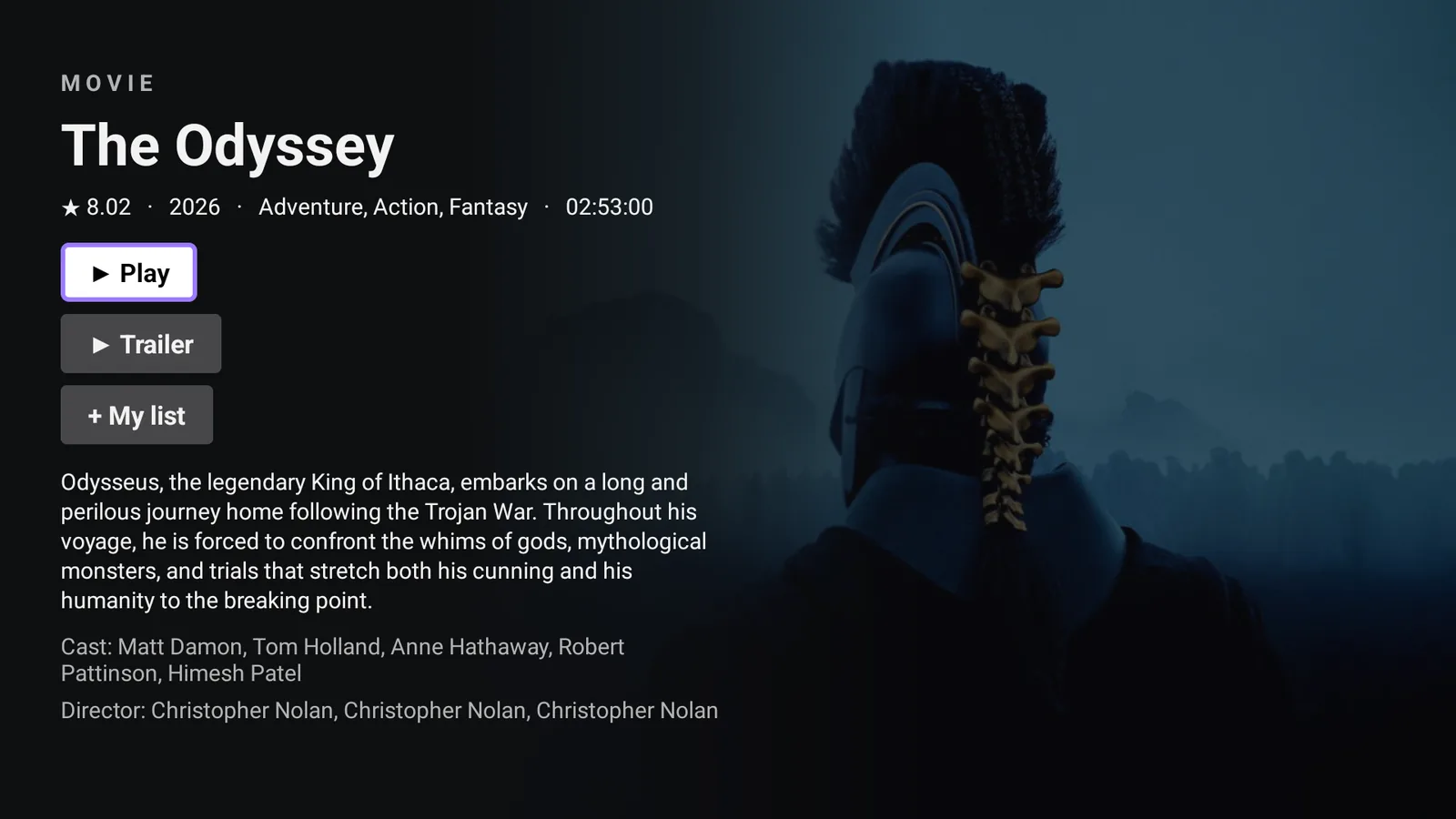
Big artwork, Continue watching, My list, trailers, seasons and episodes. Search shows results as you type, and audio and subtitles start in your preferred language.
- Continue watching & My list
- Results as you type
- Audio and subtitles in your language
Sign-in and help
Help without
leaving the sofa.
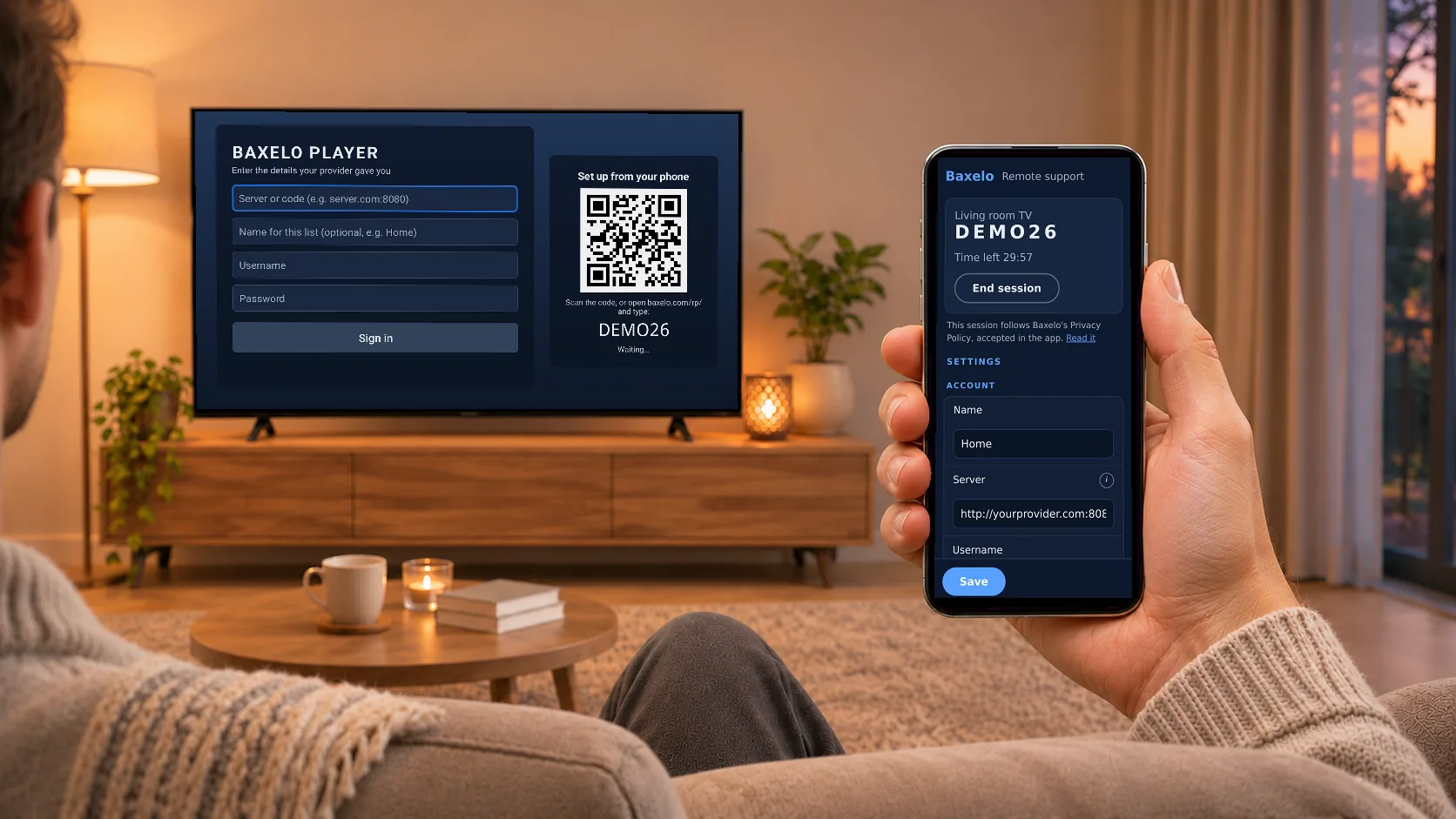
Signing in is as easy as scanning a code with your phone: no typing servers and passwords with the remote. And if something is not working, your TV provider can help you right on your own screen.
- Sign in by scanning a QR code
- Your provider helps you on your own screen
- Only with your permission: you give the code
It checks what you type.
Each field is checked as you write. A green tick means it is right, amber is a warning and red must be fixed before signing in. A comma instead of a dot, a missing port or a capital letter the keyboard added on its own: the app spots it and tells you how to fix it. The password stays visible while you type, so you can see it is right.
Scan and you are in.
The sign-in screen shows a QR code. Scan it with your phone and fill in the details there, comfortably, or let someone you trust do it for you.
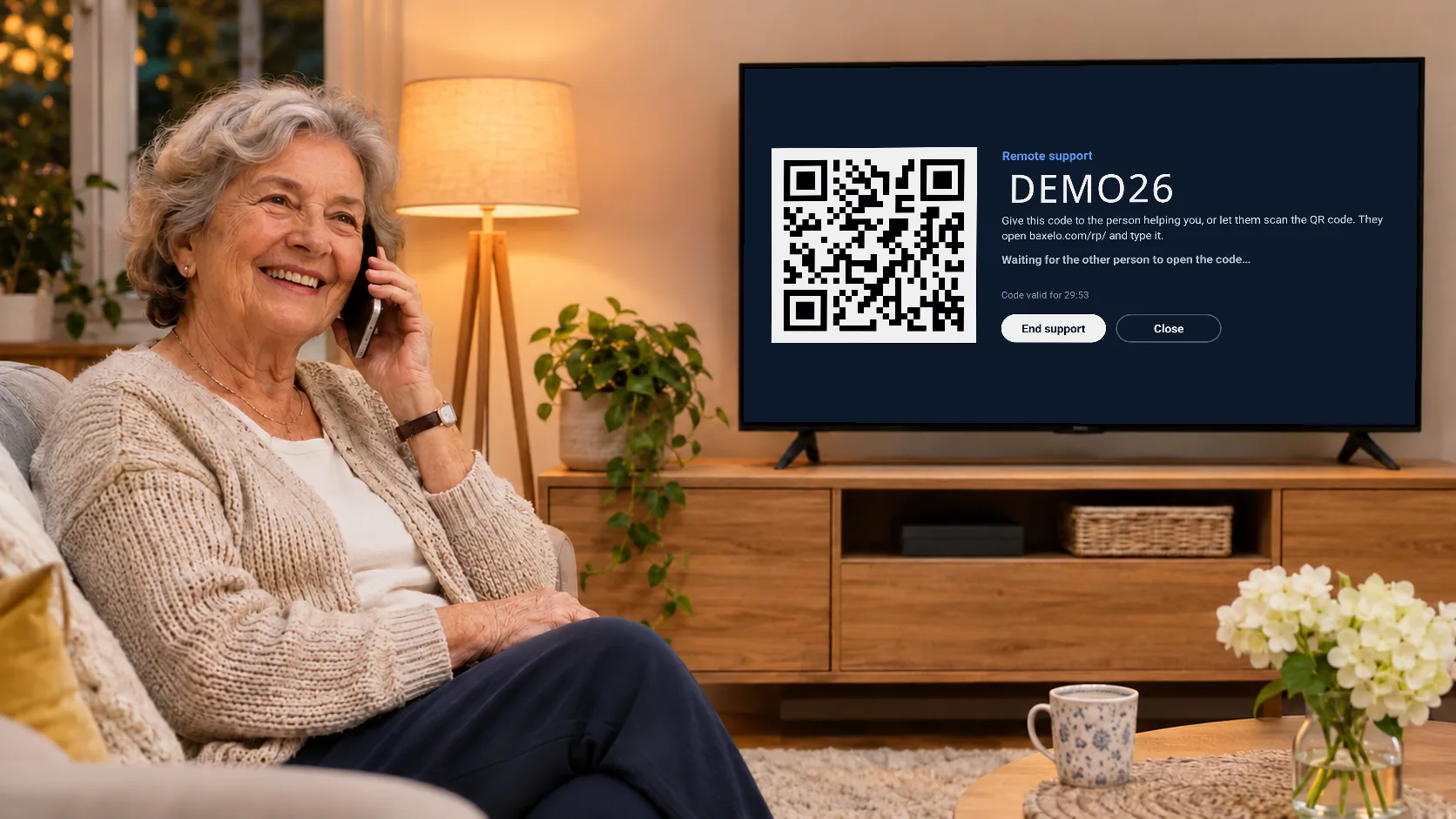
Your provider, on your screen.
Open Settings › Remote support and give the code, or let them scan the QR. The person helping you can review and fix the set-up from baxelo.com/rp, and support ends when you say so. Perfect for parents and grandparents.
International channels
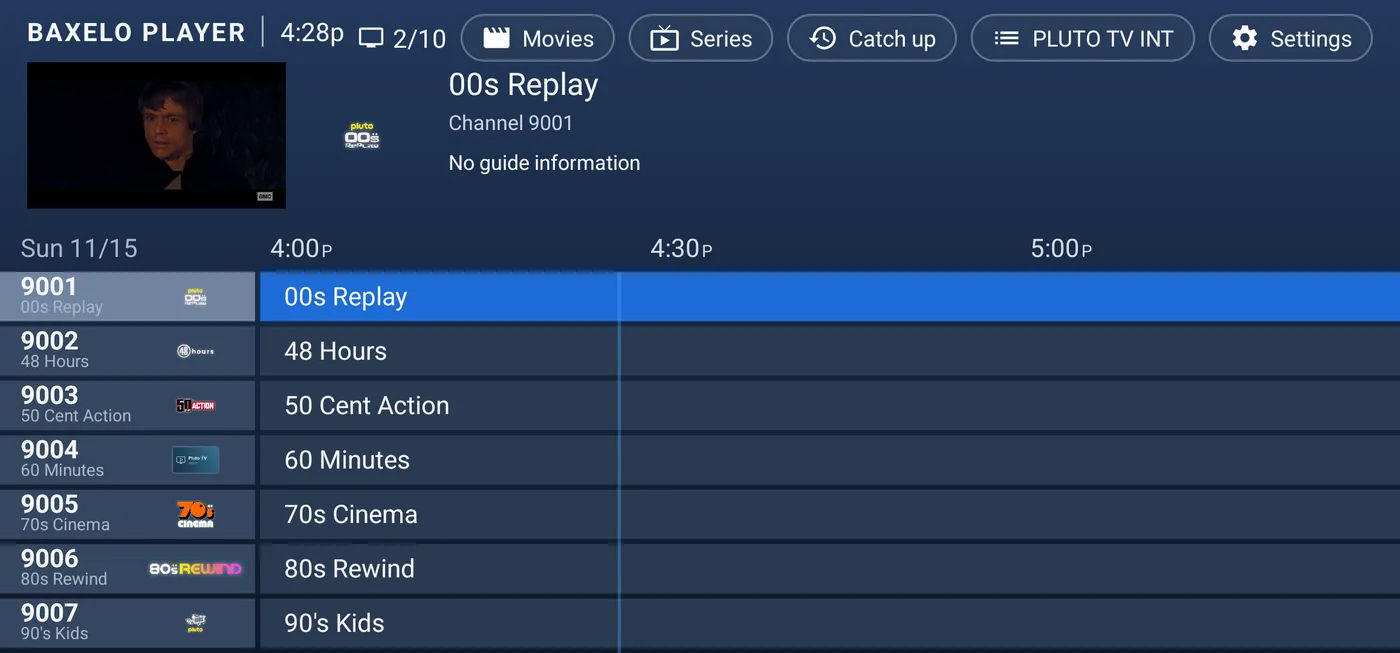
The world's free TV, built in.
Public, free-to-air channels that broadcasters stream on the internet themselves, from many countries and from services such as Pluto TV and Samsung TV Plus. Each device checks which channels work from where it is, keeps the list for a week, and numbers them from 9001.
Everything else you’d want.
Multiview
Watch 2, 3 or 4 channels at once, as many screens as your plan with your provider allows.
Favourite channels
Your channels one press away, international ones included.
Parental PIN
Lock categories and hide the ones you never use.
Easy sign-in
Type your server, or scan a QR code from your phone.
Remote support
Share a code or a QR and get help on your own screen.
Speed test
Measure the speed to the server of the channel you are watching.
Live signal info
See the stream’s details while you watch.
Updates itself
New versions arrive straight from baxelo.com.
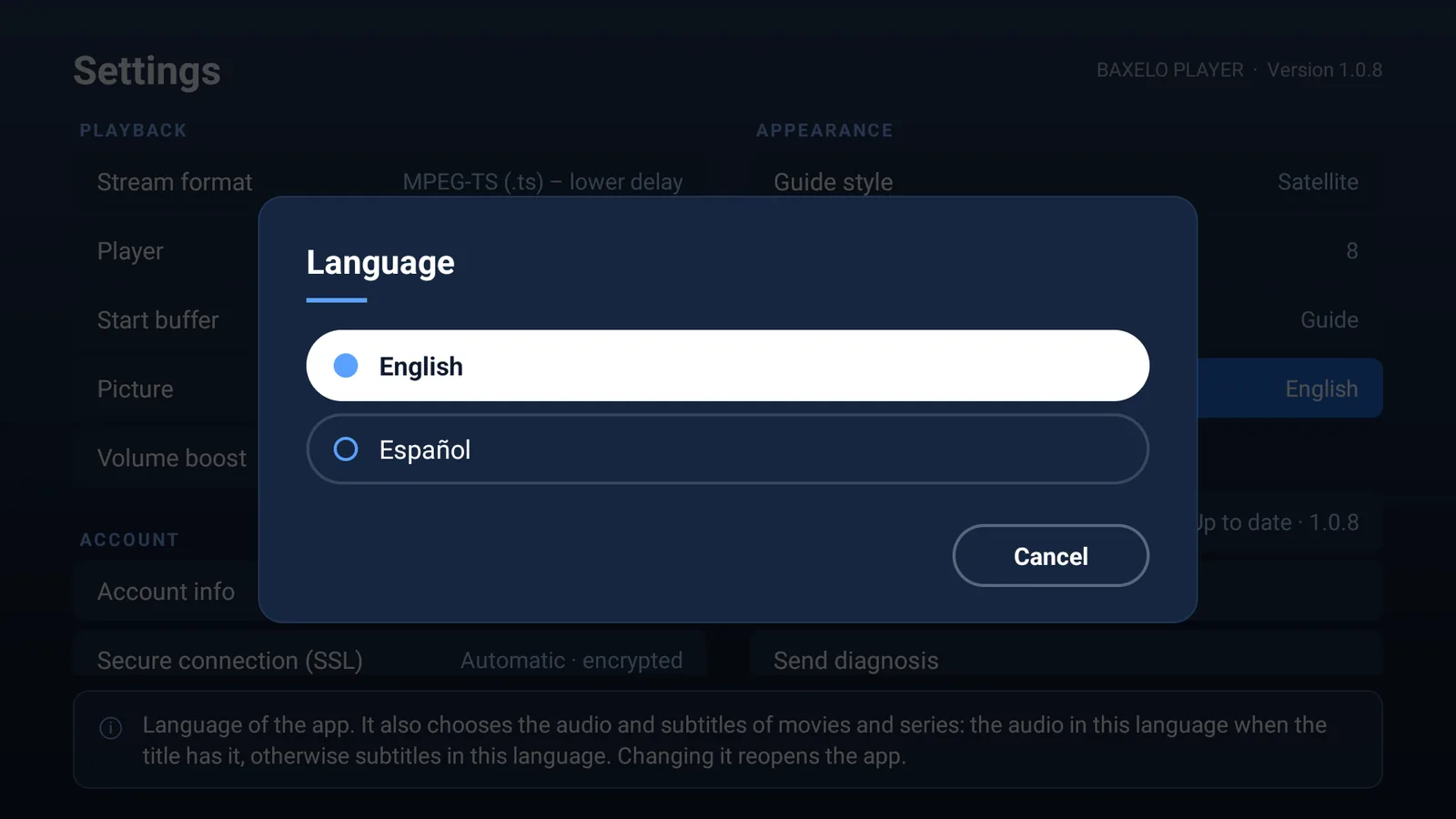
English and Spanish
The whole app, in your language.
Always up to date
It updates itself.
You keep everything.
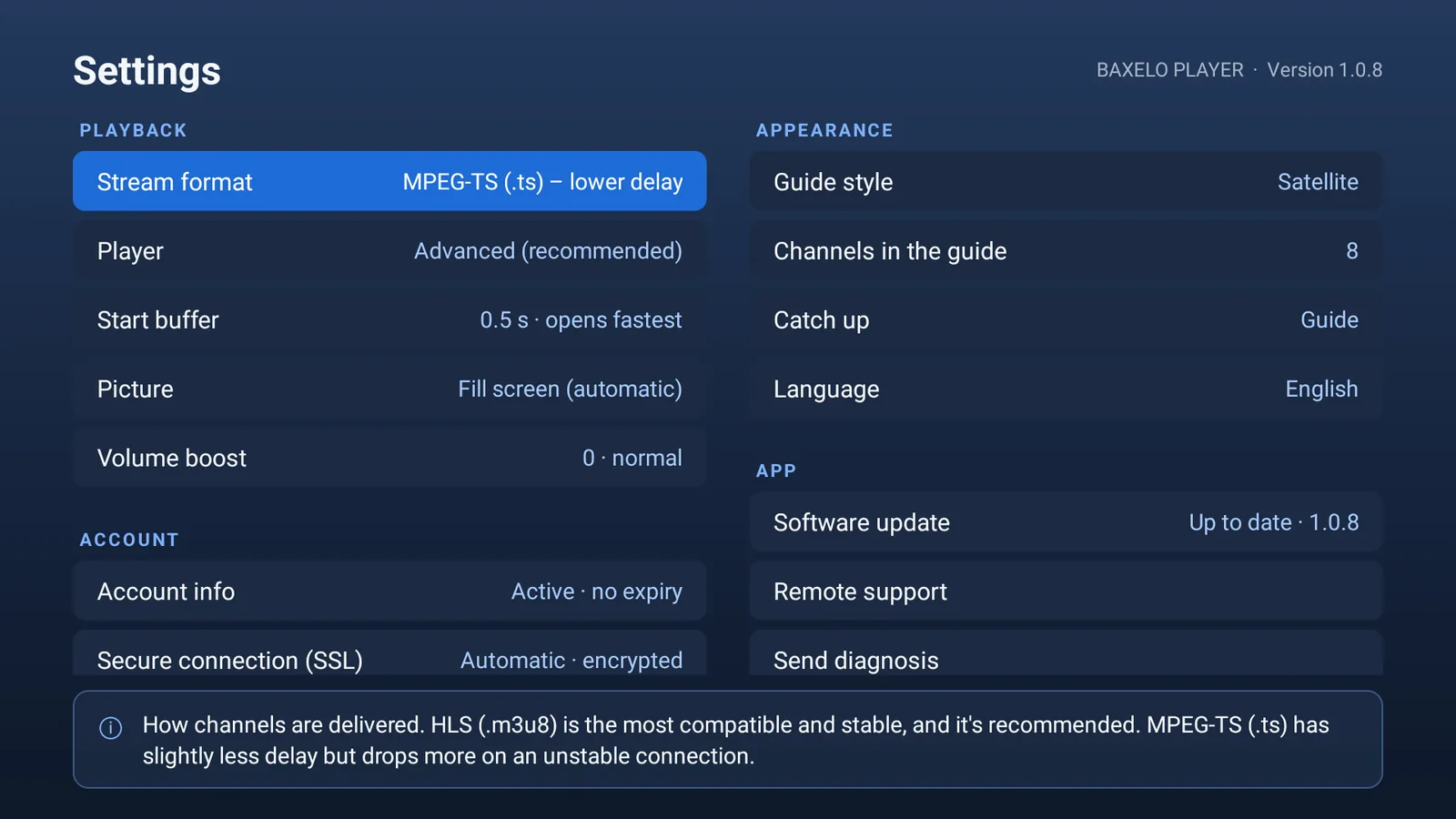
Every time it opens, the app checks baxelo.com. When there is a new version, an Update button appears in the guide and in Settings › Update, together with what is new.
- Installs over the current version
- Keeps your account, favourites and settings
- Nothing to download again, nothing to set up
- The installed version is shown in Settings
Latest version
—
Published
What’s new
Made for the screens in your home.
Android phones
Optimised for touch.
Android TV & Google TV
Designed for the remote. Tested on Sony Bravia.
Amazon Fire TV
Compatible with Fire TV and Fire TV Stick running Fire OS 5 or later.
Install in a minute.
Android phone or TV
- Open apk.baxelo.com in the browser of your device.
- Open the downloaded file and allow installing apps from this source if asked.
- Open Baxelo Player and sign in with your server, or scan the QR code.
Short link
apk.baxelo.comAmazon Fire TV
- Install Downloader from the Amazon Appstore.
- Open it and type the code below.
- Install, open Baxelo Player and sign in.
Downloader code
2129302
Ready when you are.
Download Baxelo PlayerLatest version · apk.baxelo.com · Downloader 2129302
Baxelo Player is free.
Baxelo is not a content provider and does not sell or include any channels, movies or series. The app plays the line each user already has with their own provider (XUI ONE panels and the Xtream Codes API). Brands, logos and artwork shown in the screenshots belong to their owners and appear only to illustrate the interface.